









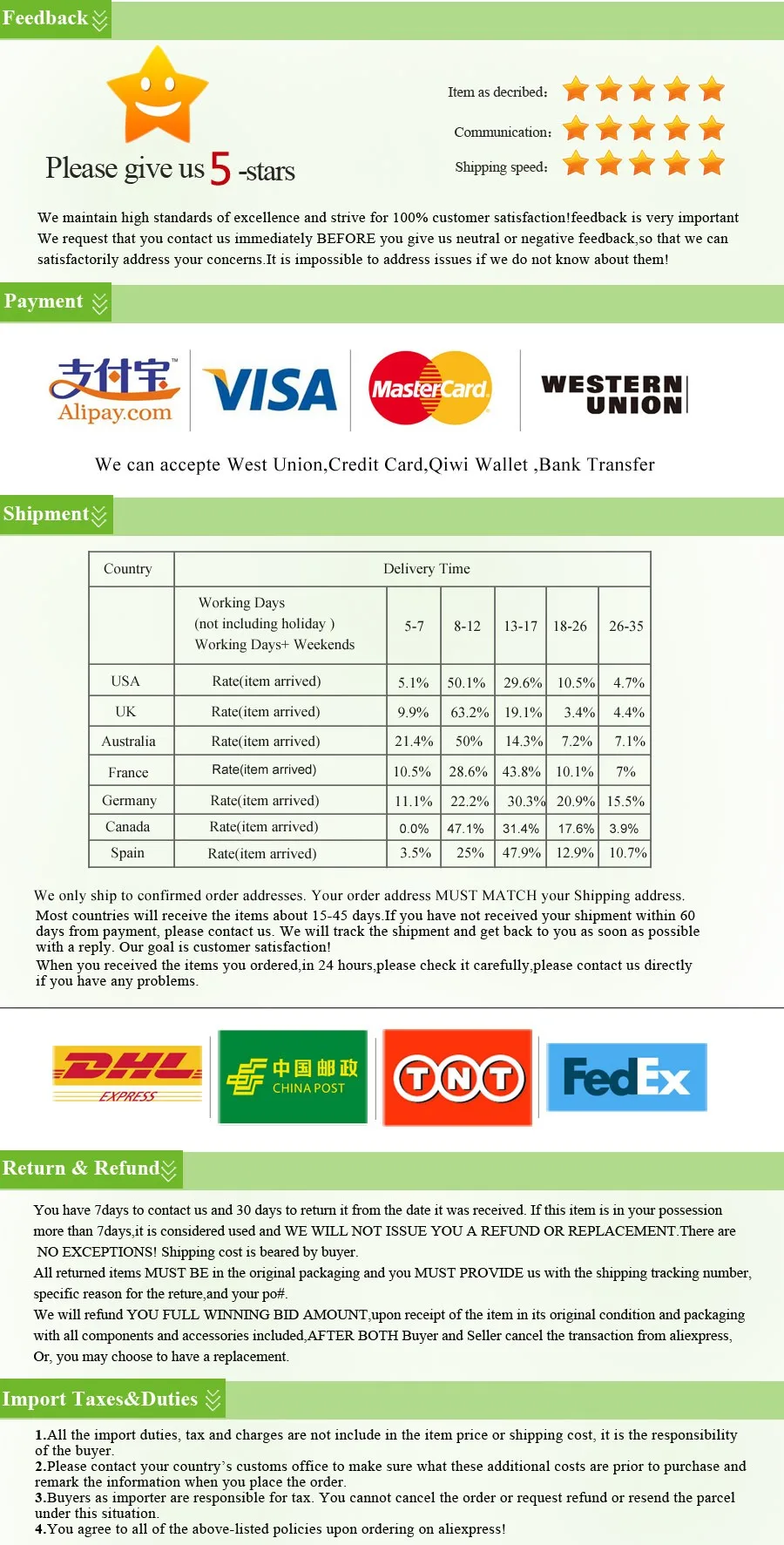
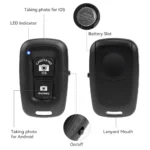
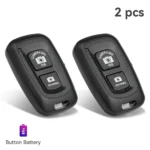
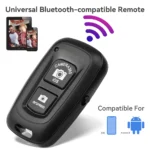
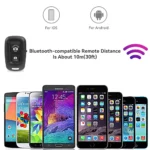




SPECIFICATIONS
Brand Name: SZKOSTON
Certification: CE
Choice: yes
Compatible Brand: Canon,Casio,fujitsu,NIKON,Pentax,SAMSUNG,Sigma/适马,SONY , Minolta
Features 1: Shutter Release
Features 2: wireless control
Features 3: for photo
Features 4: shutter remote for phone
Features 5: for monopod
Features 6: for camera
Features 7: Phone accessories
Model Number: 804144-1
Origin: Mainland China
Package: Yes
Type: WireLess
semi_Choice: yes
Features :
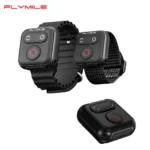
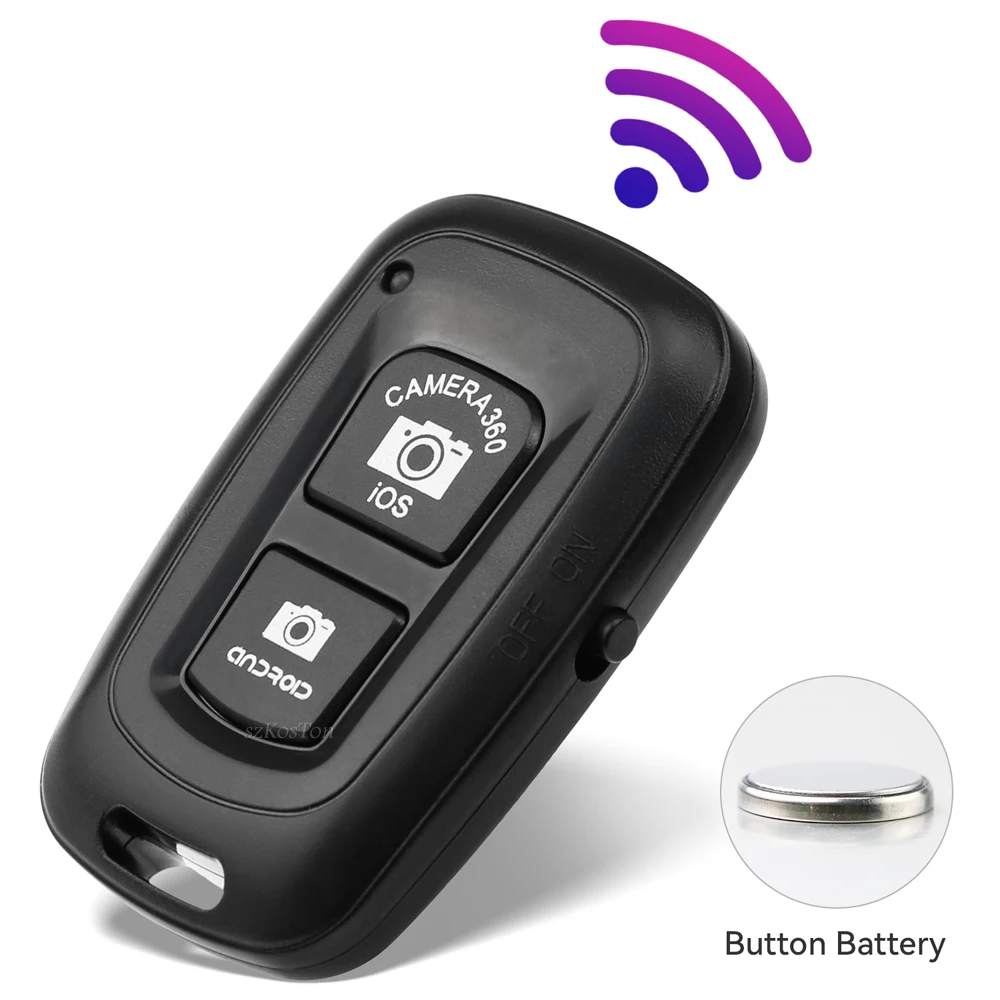
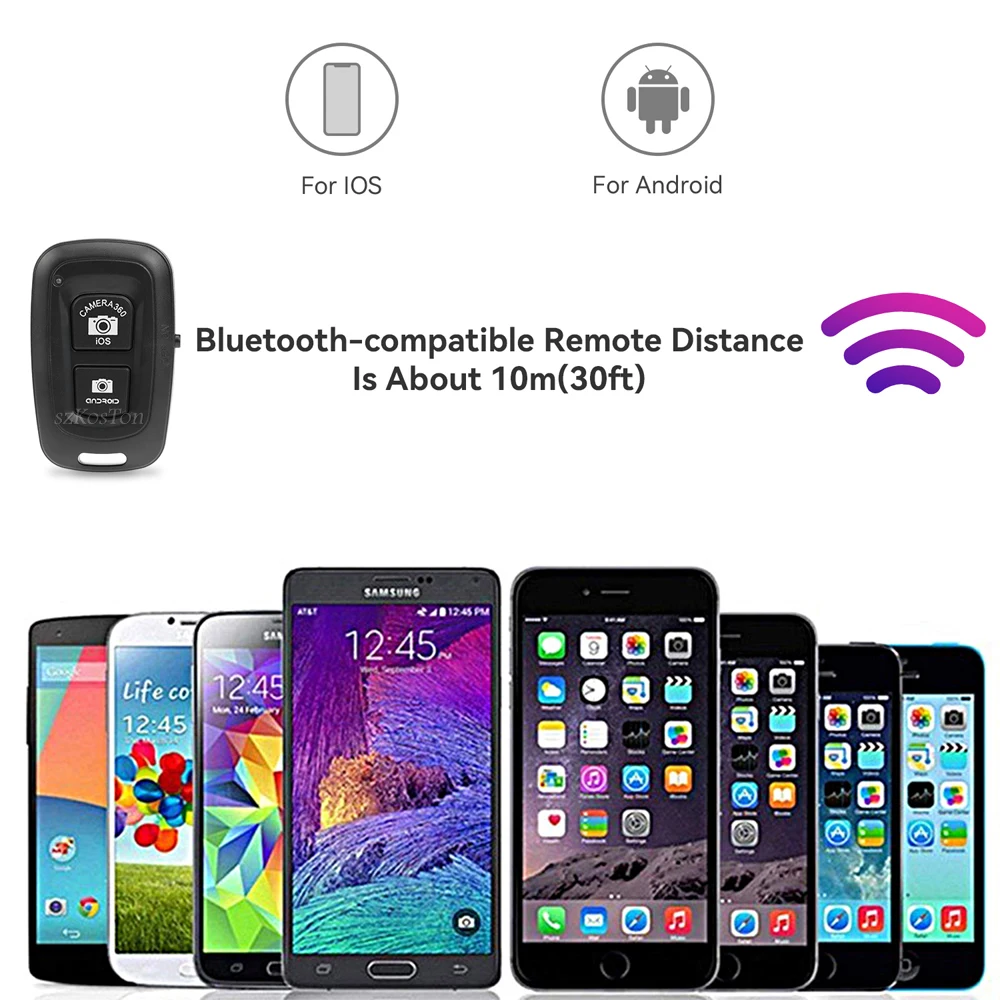
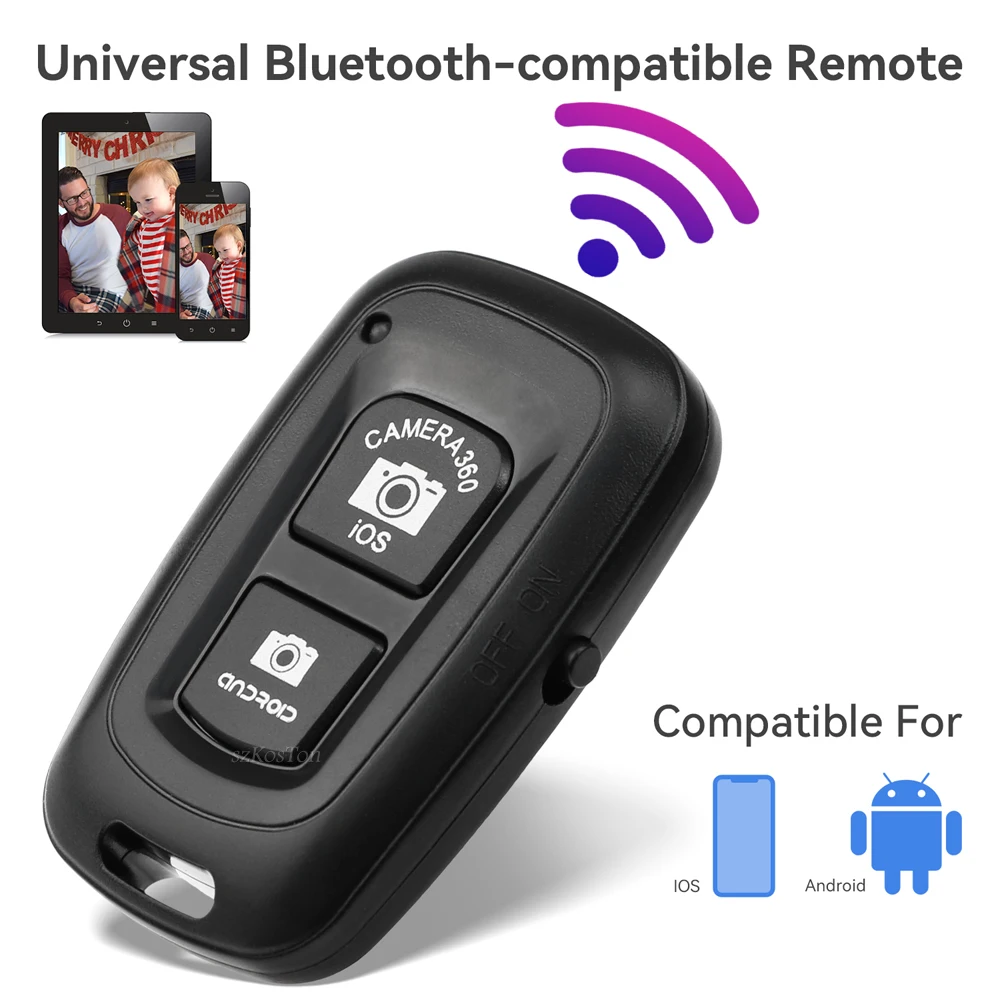
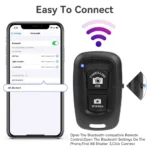
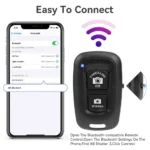
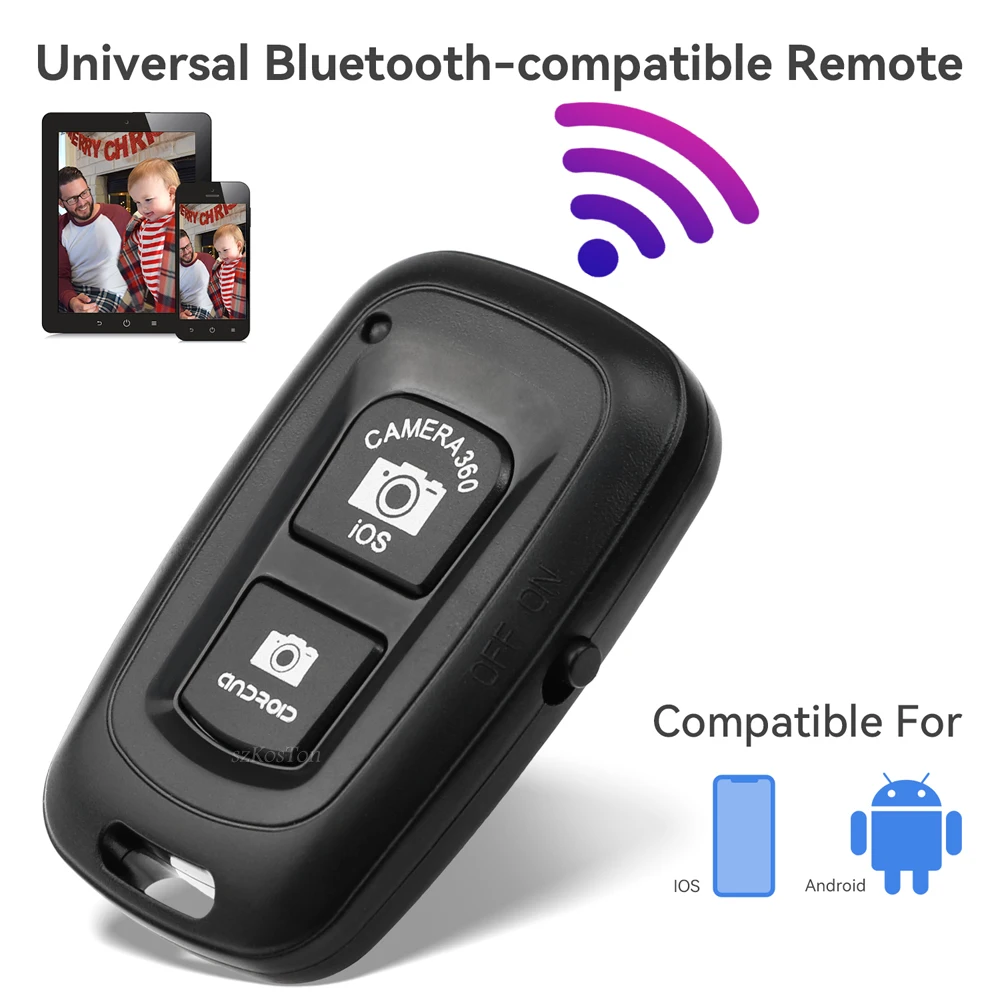
1. Can Be Docked With The Cell Phone Bluetooth-compatible, No Extra Software Needed.
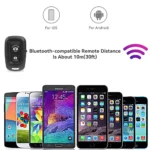
2. Support For IOS System, Android System
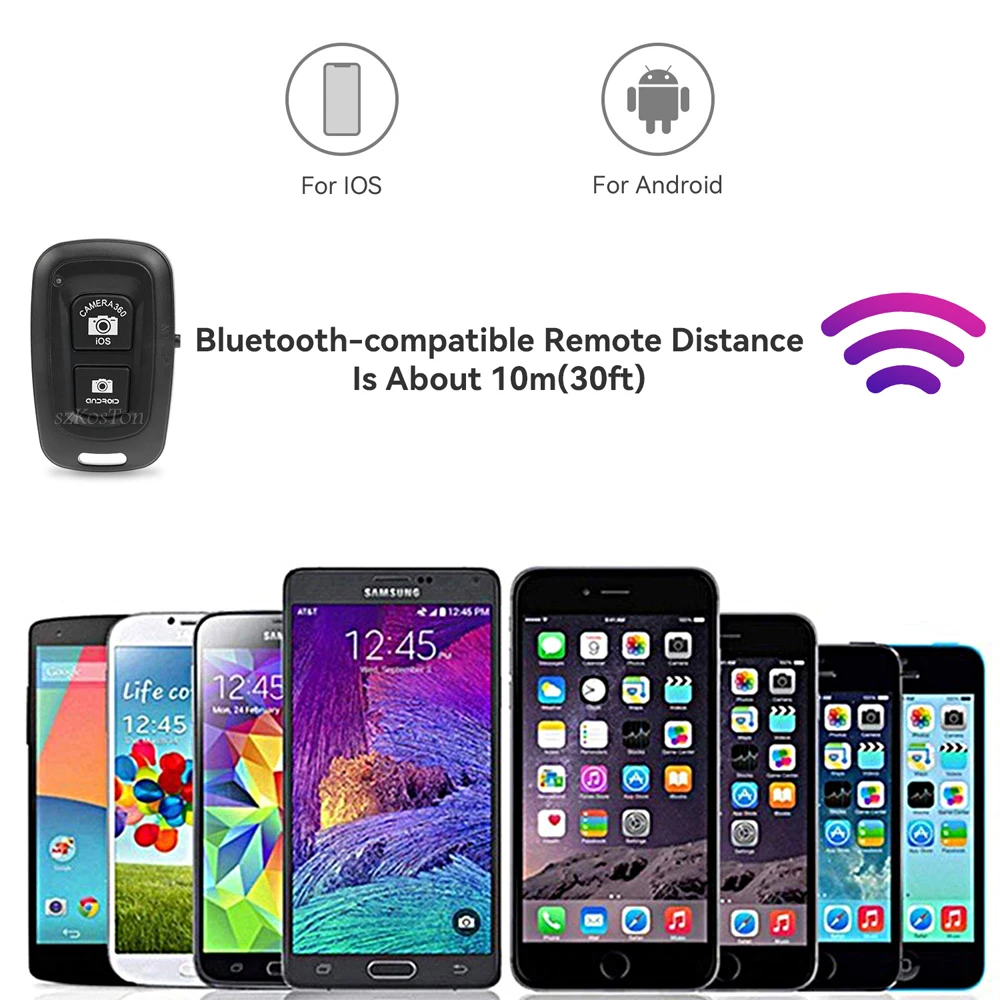
3. Applicable To Nearly All The Phone Models In The Market, Including For iPod/iPhone/iPad/i9220/i9250/i9300/i9500/i9190 And Some Other Android 4.0 Above Phones.
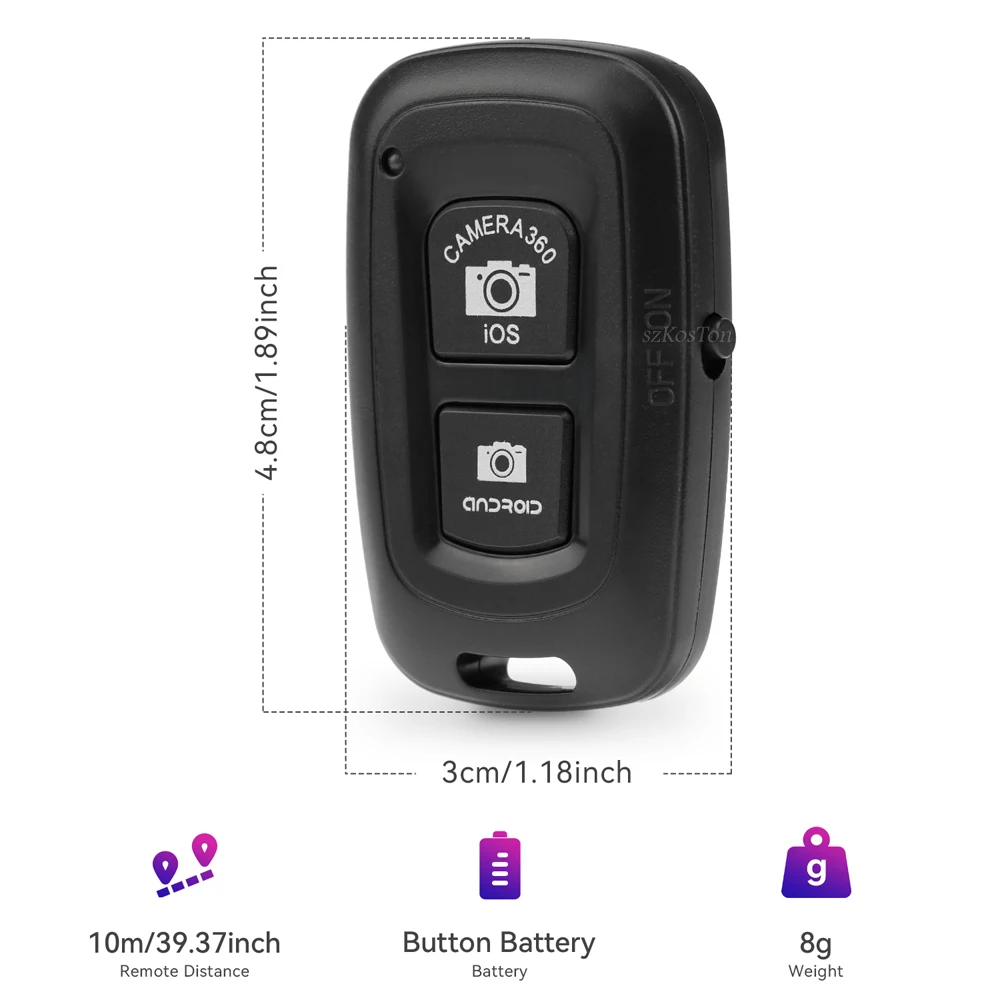
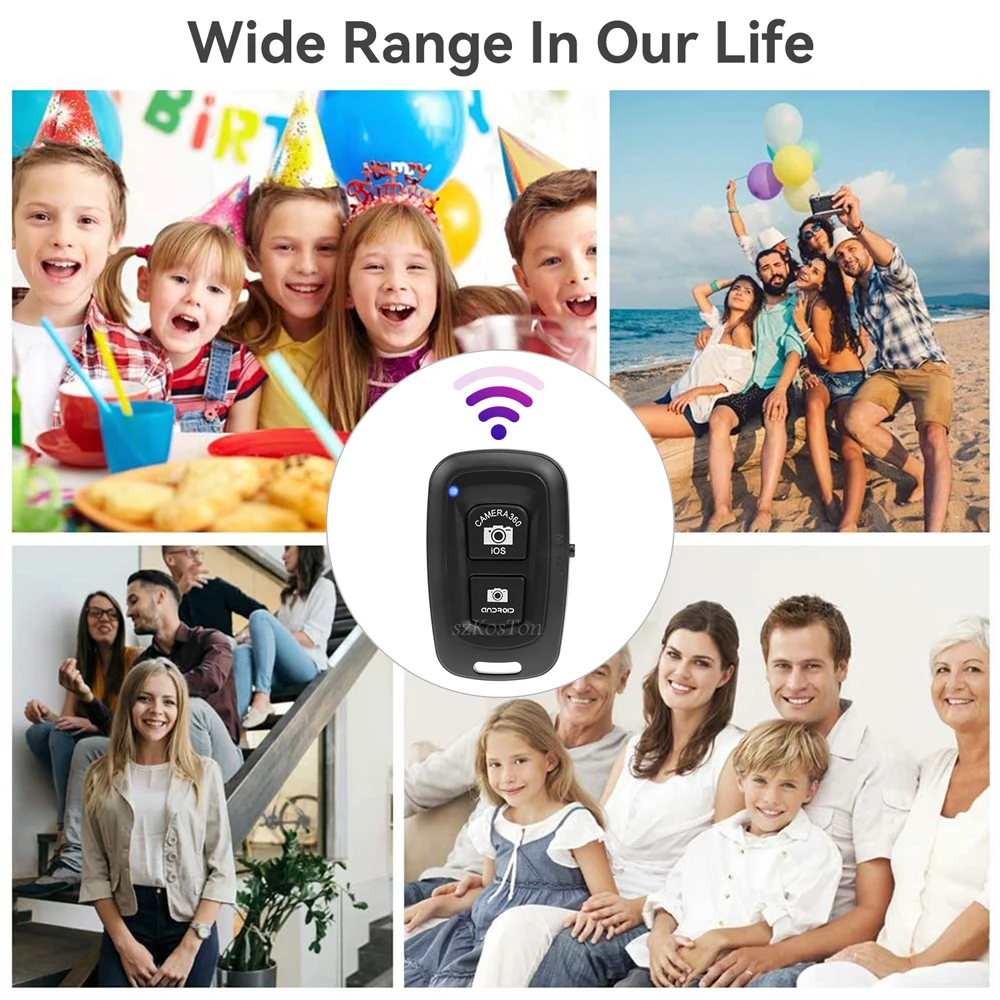
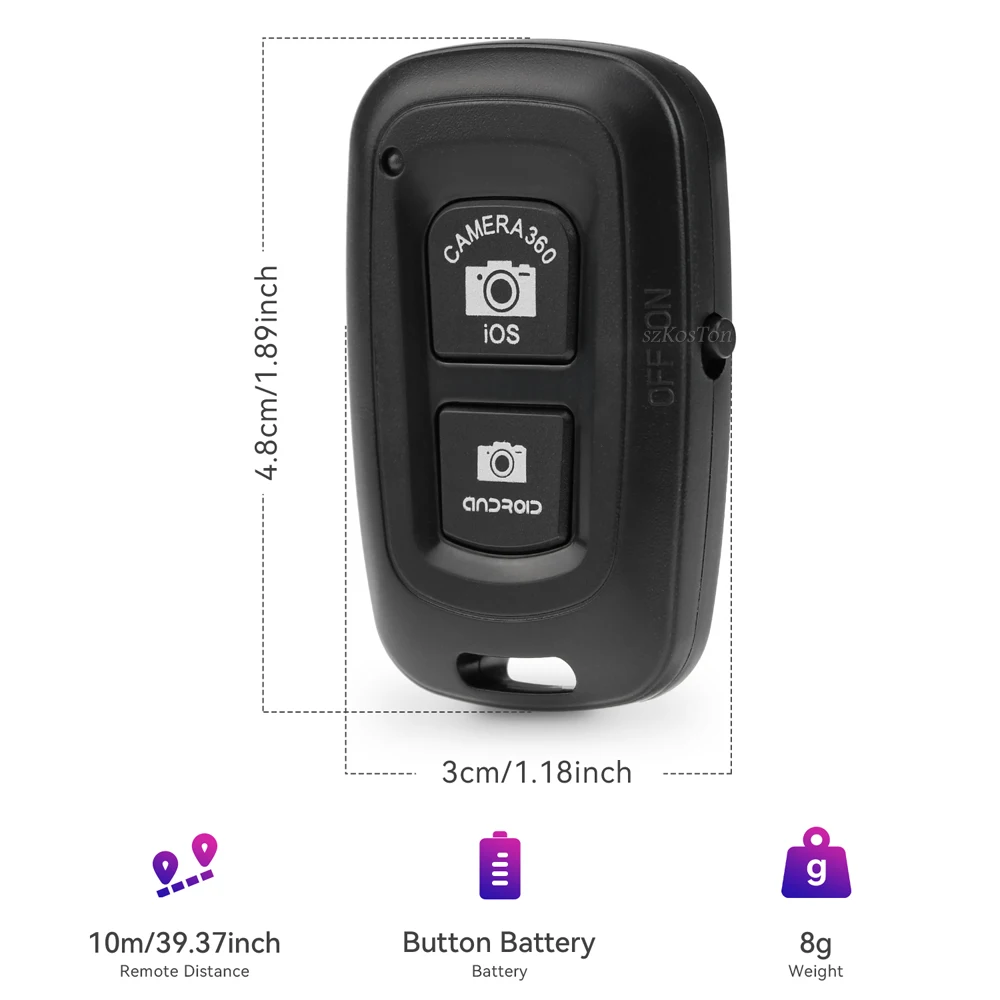
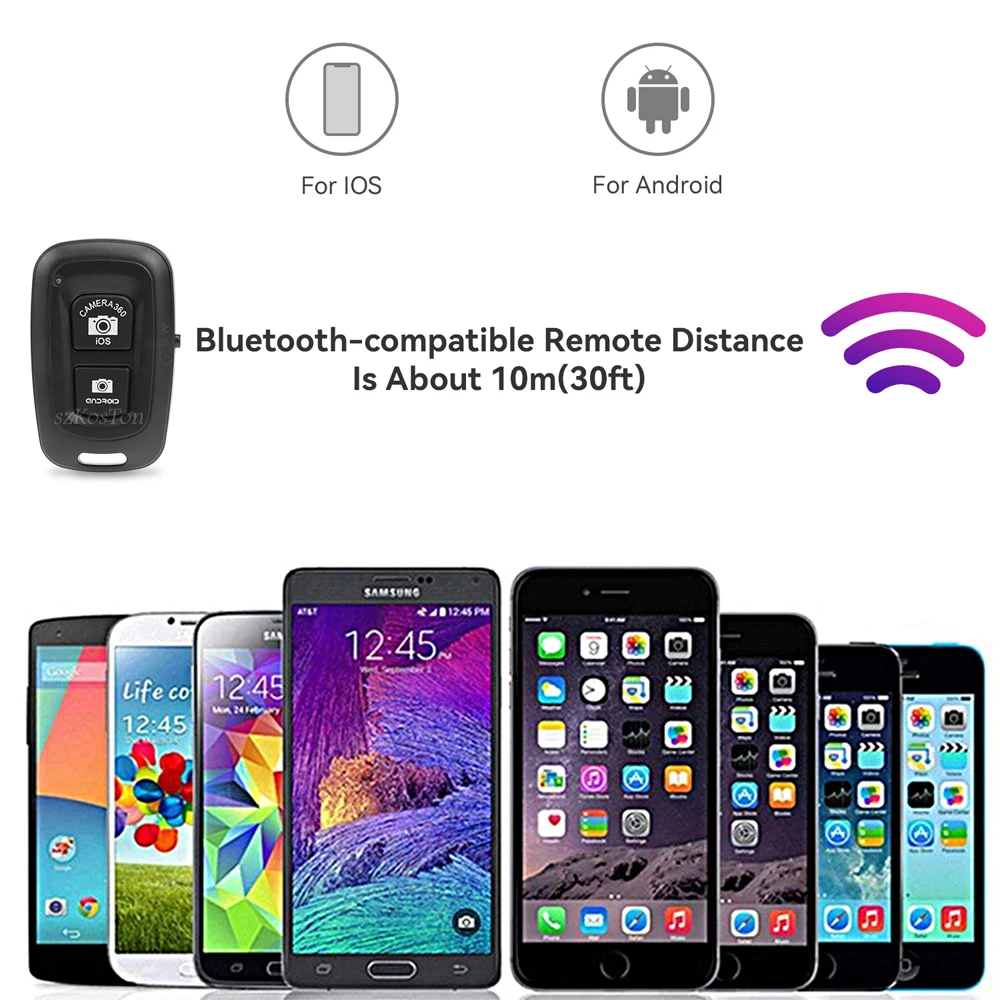
4. Can Be Used To Take Long Distance Photos Up To 10 Meters In The Absence Of Obstacles.
Specification :
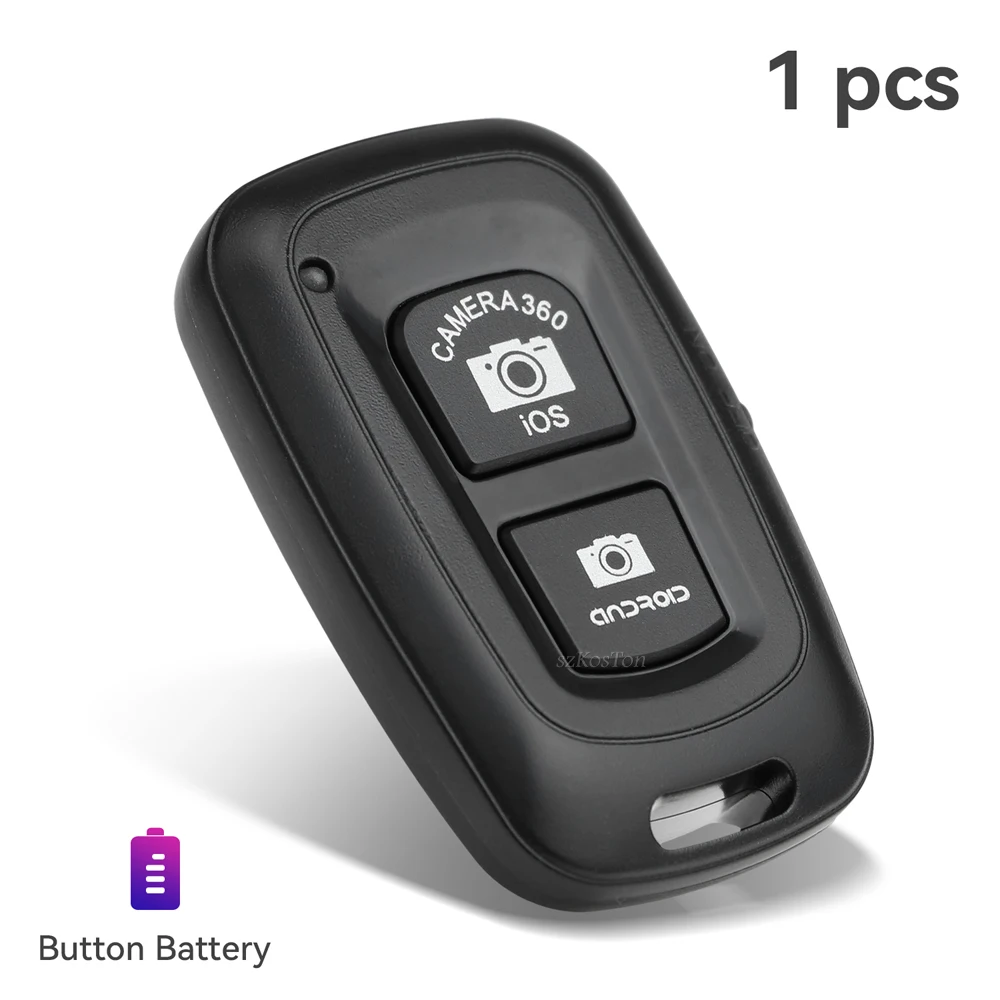
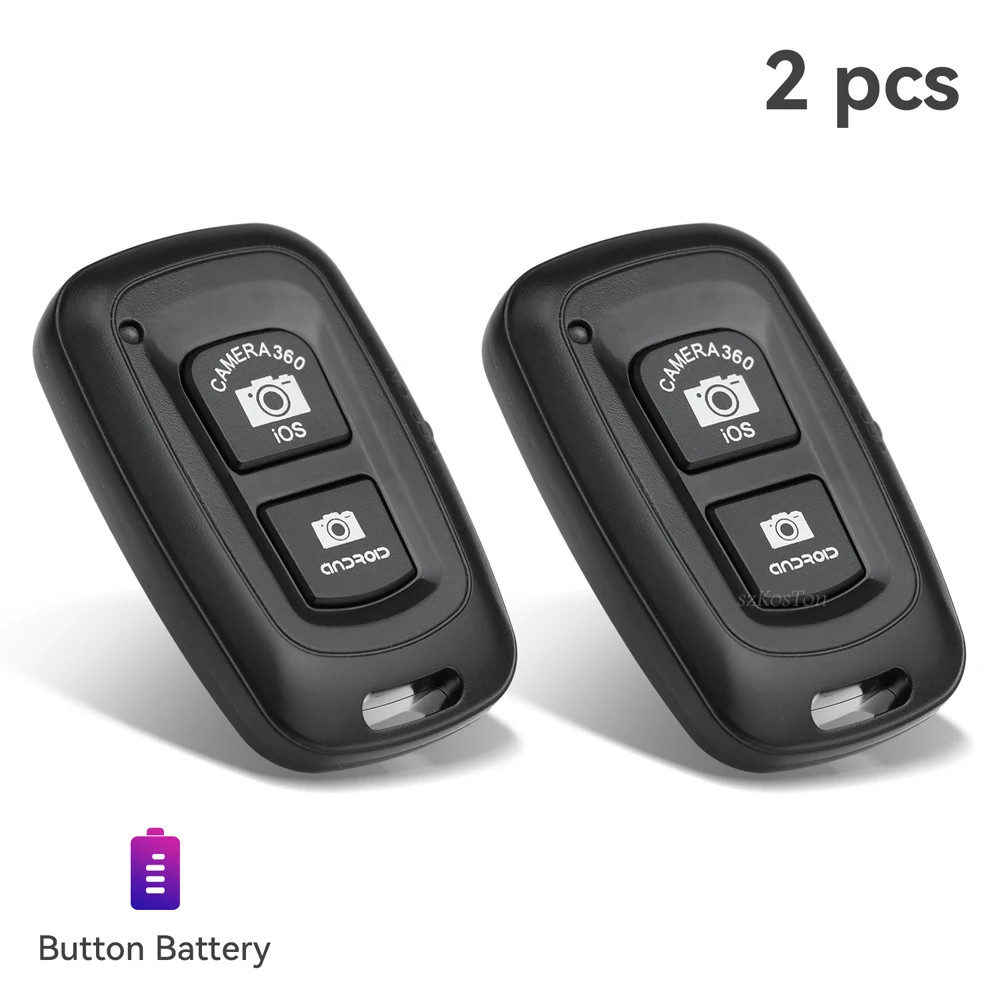
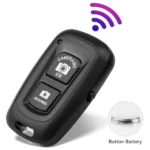
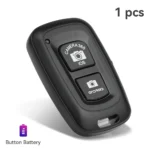
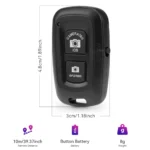
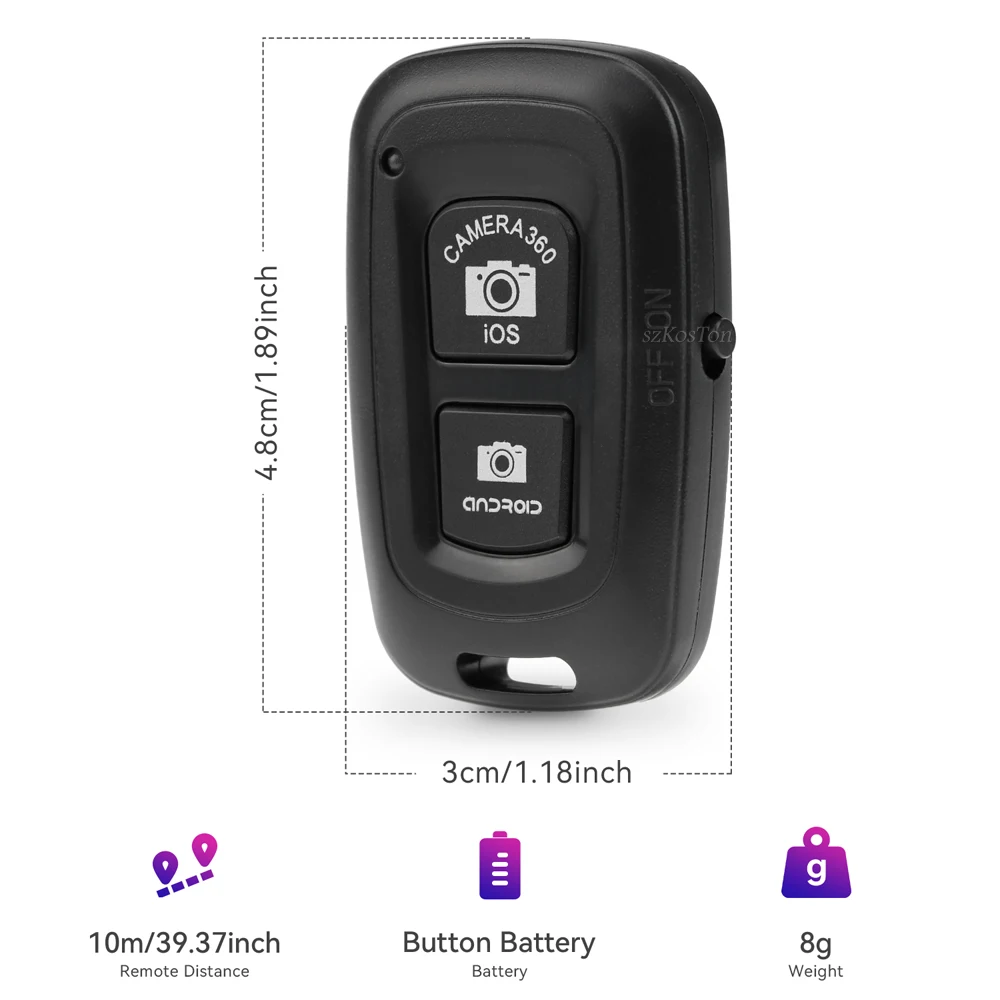
Weight : 8g
Model : AB Shutter 3
Dimension : 48*30*10mm
Communication : BL Version 3.0
Communication Distance : 10m(30ft)
Transmit Frequency : 2.4GHz-2.4835GHz
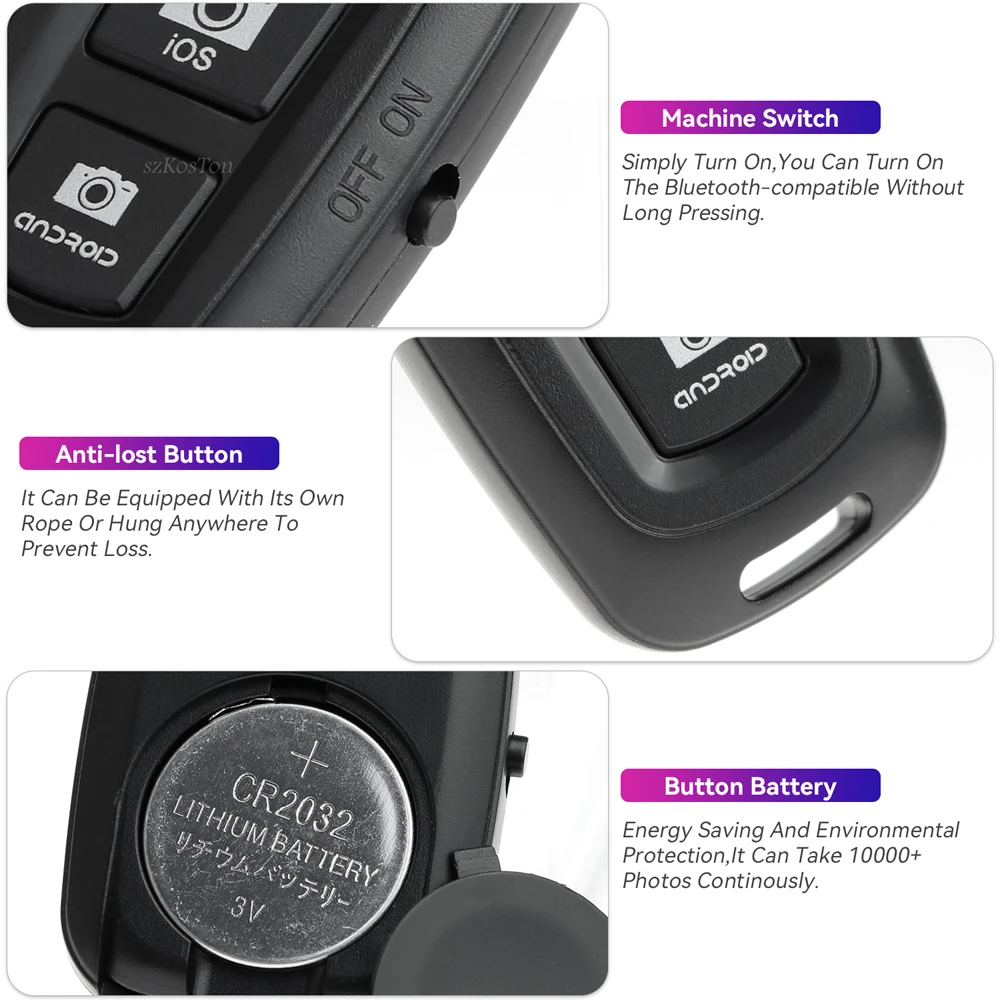
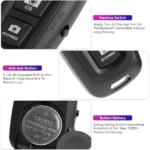
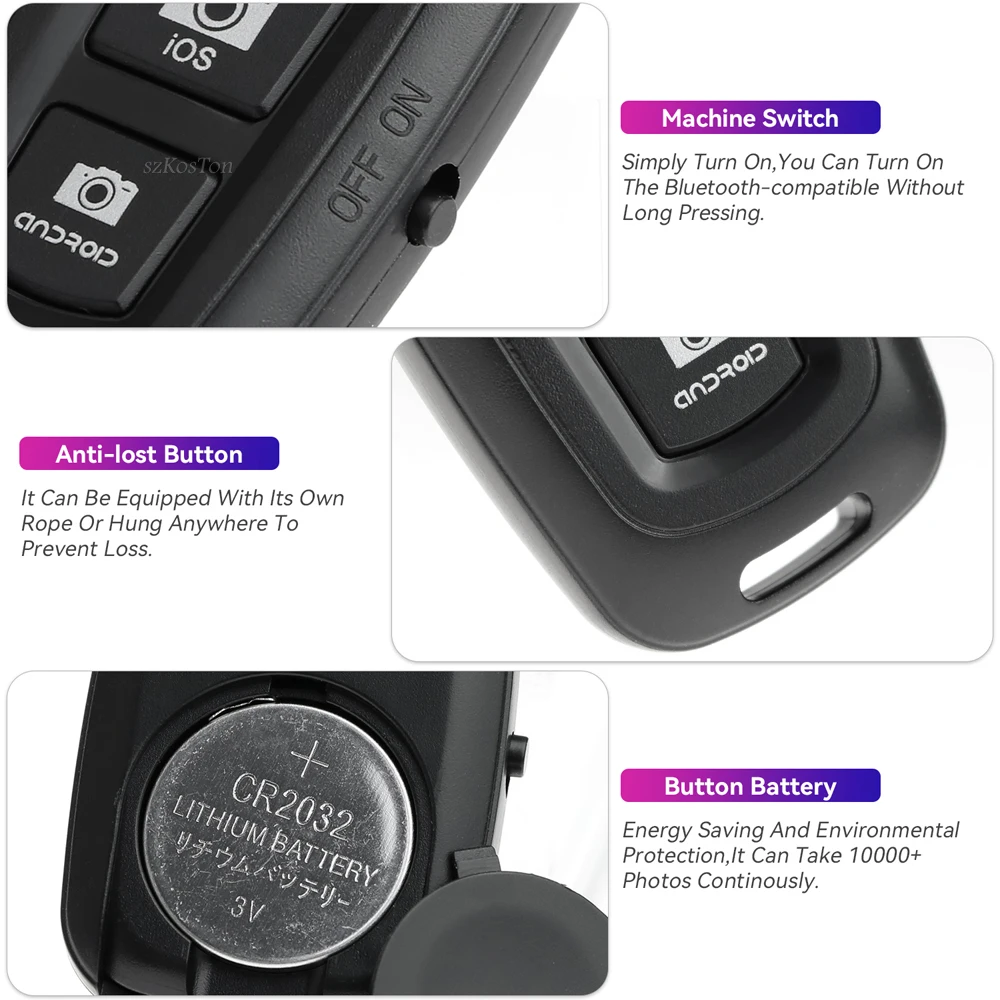
Battery Life : About 8 Months Under Working In 10 Times A day
Instructions :
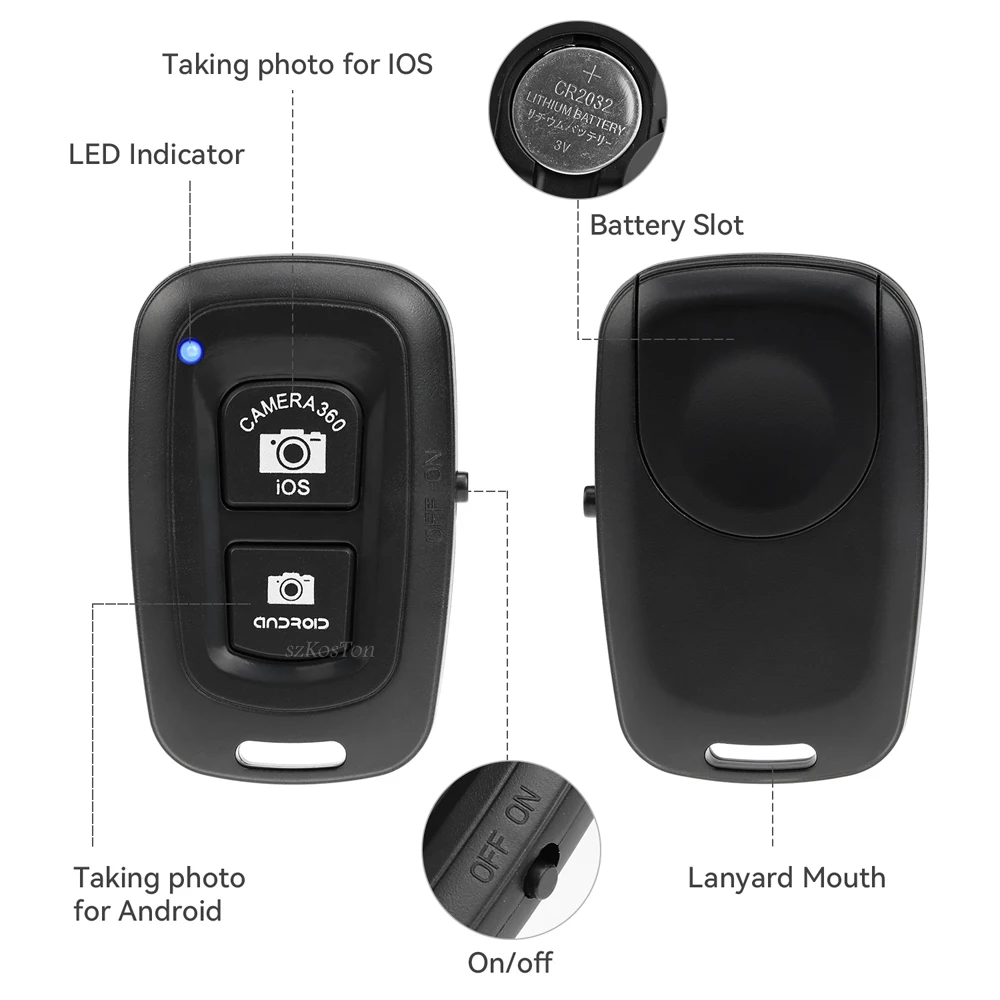
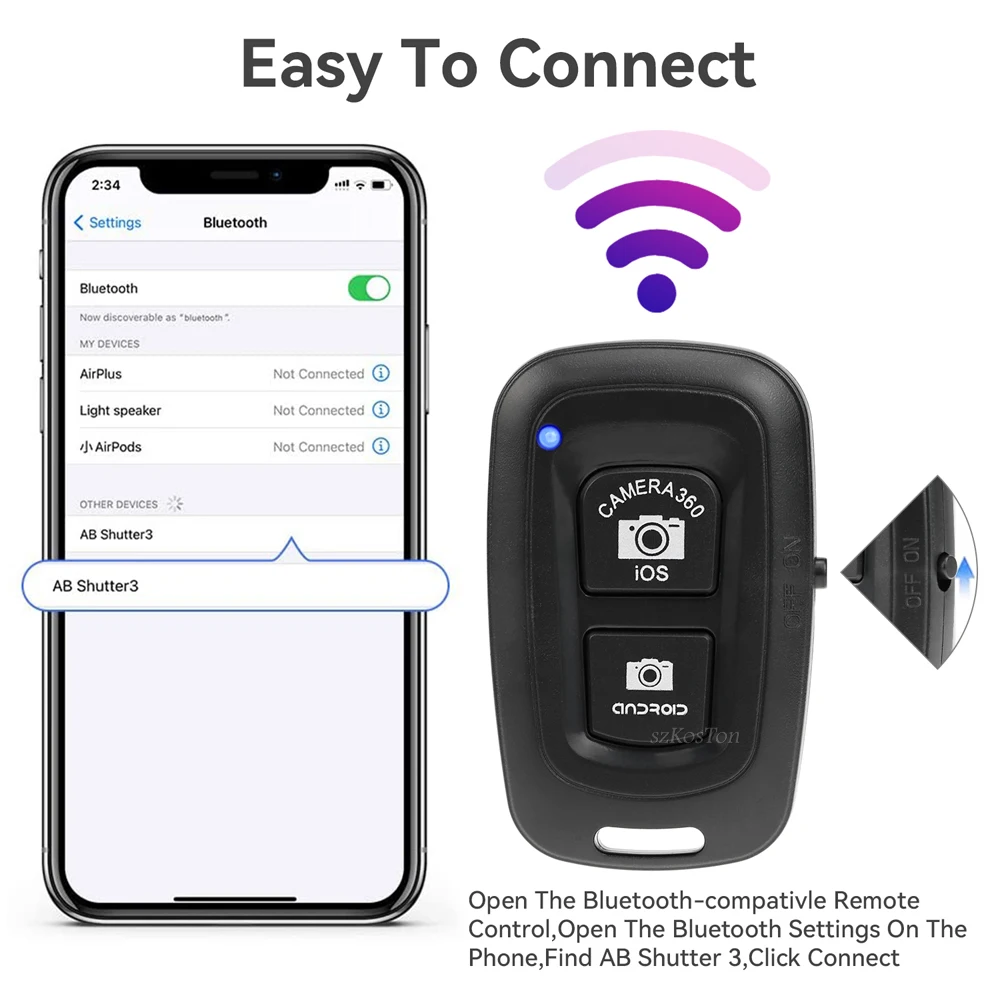
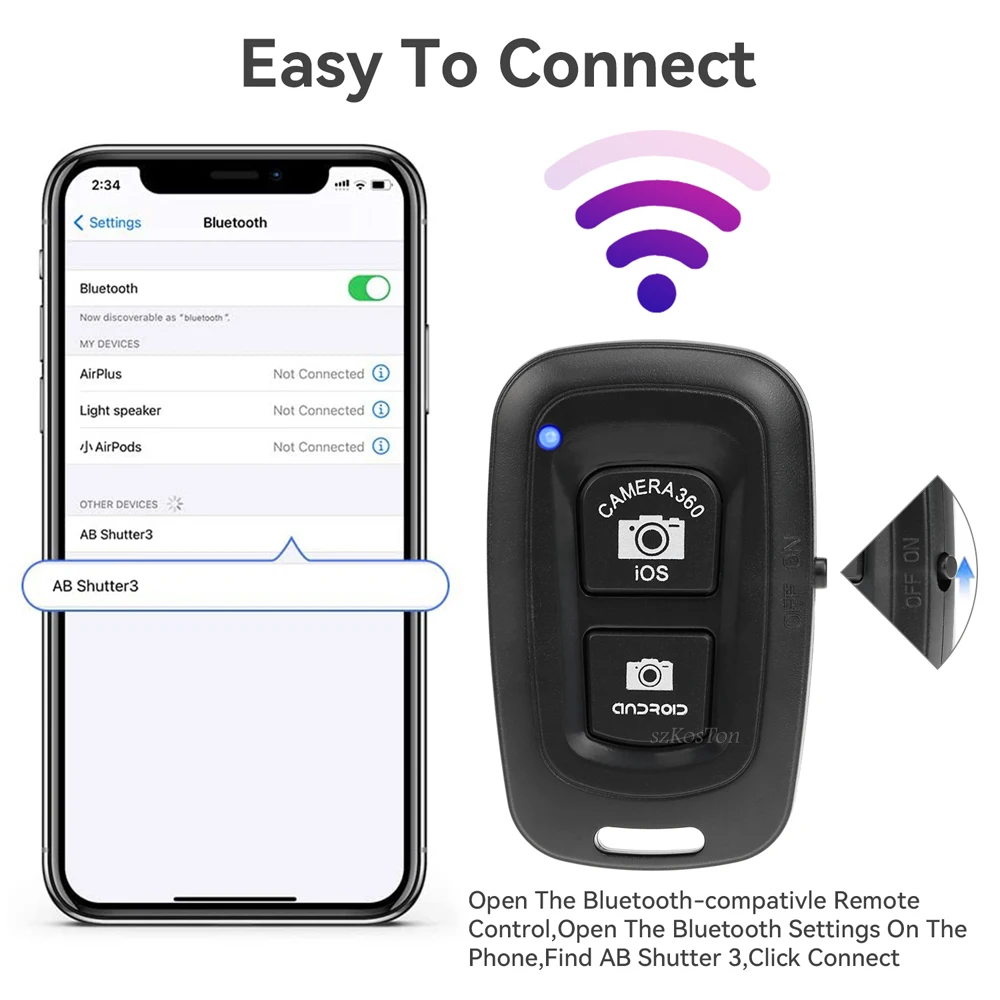
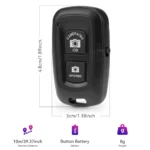
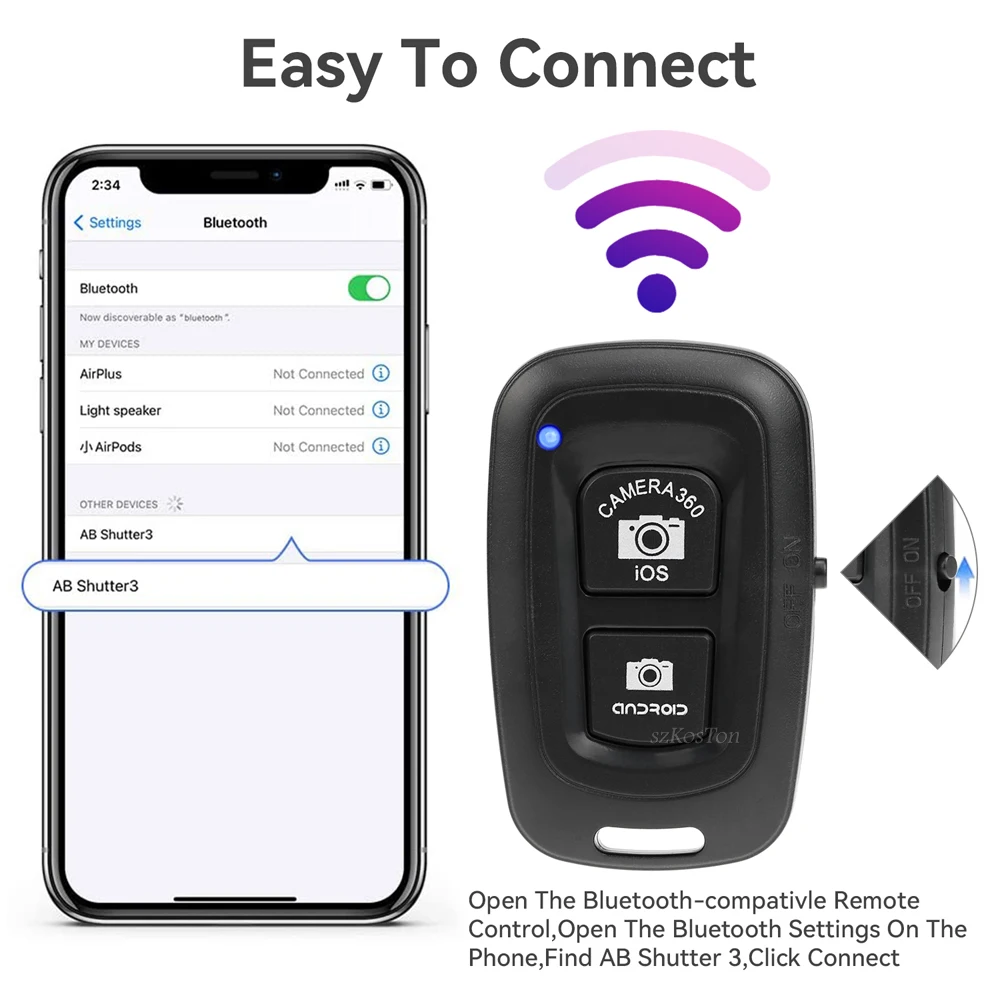
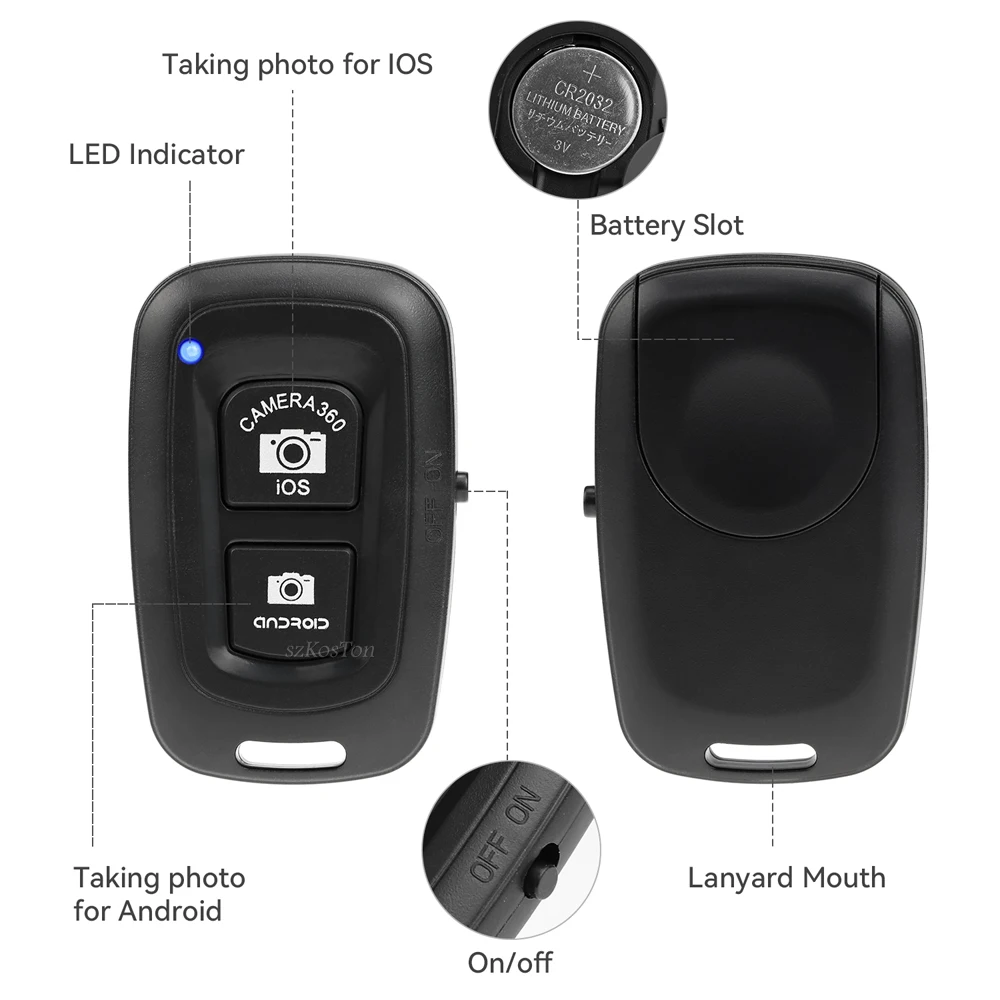
1: Turn On The Remote Control Switch, The Blue Indicator Light Of The Remote Control Flashes.
2: Turn On Your Phone's Bluetooth-compatible, Search For A New Device, And Connect.
3: After Pairing And Connecting, Open The Camera Software In The Phone.
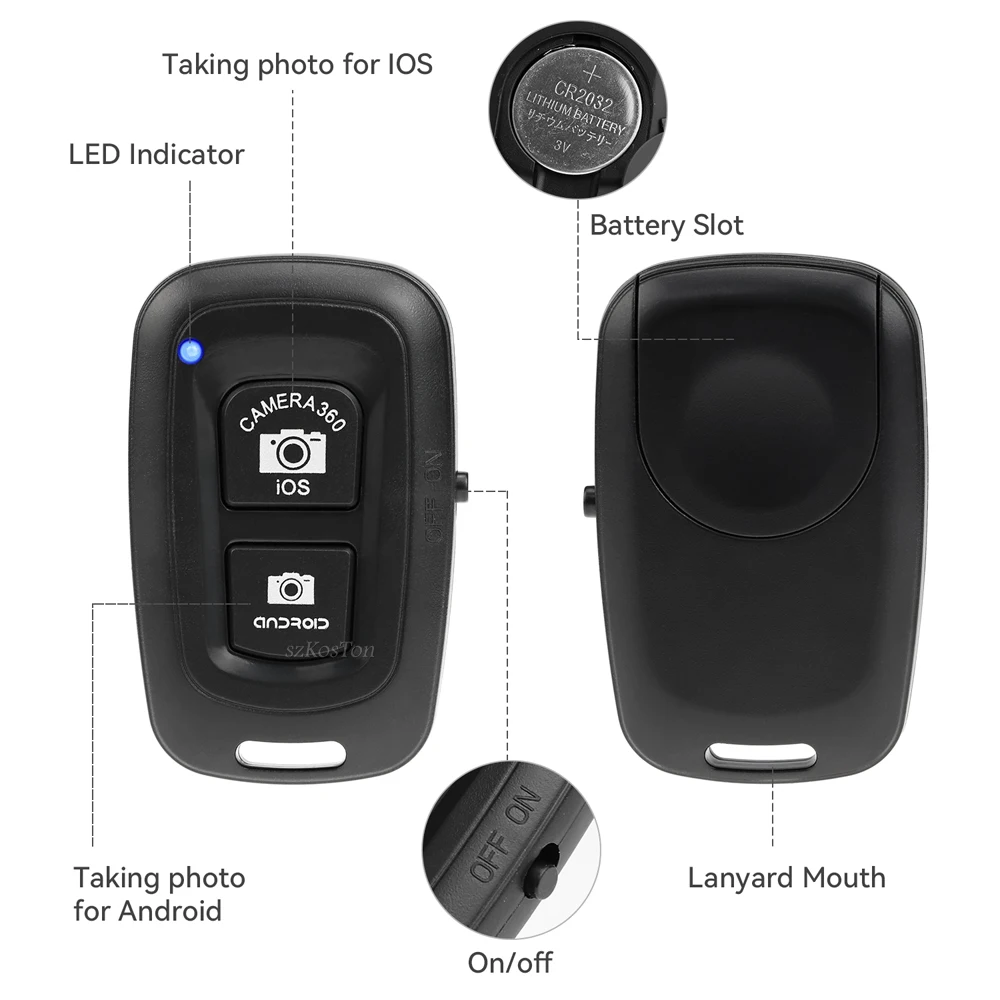
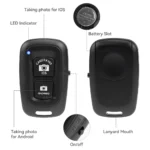
4: For The Apple Phone Can Directly Press The Remote Control Shutter To Control The Photo.
5: The Android Phone Part Can Also Directly Press The Shutter To Control The Photo.
6: For Android Phones That Cannot Control The Camera, Please Download The Camera3 6 0 Software, Open The Camera 3 6 0 Software And Click The Settings Icon In The Upper Right Corner
Then Click Settings, Then Click Camera Settings, And Set The Volume Key Function Option To Take Pictures.


Reviews
Clear filtersThere are no reviews yet.